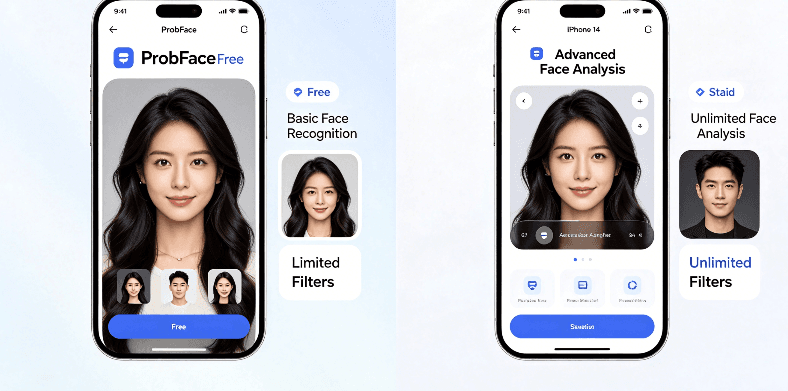
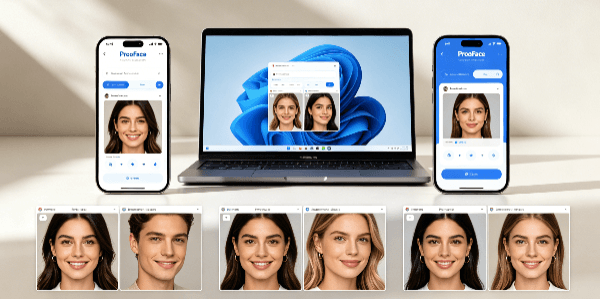
This review is based on three devices: iPhone 14, Huawei Mate 60 and Windows 11 computer, with each device testing ProbFace 3 times repeatedly. Different devices testing found that ProbFace performs well on both mobile and computer ends, but there are obvious differences in upload speed, processing effect and operation convenience—today, I’ll use real data to tell you these differences, and help you choose the right device according to your use scenario.
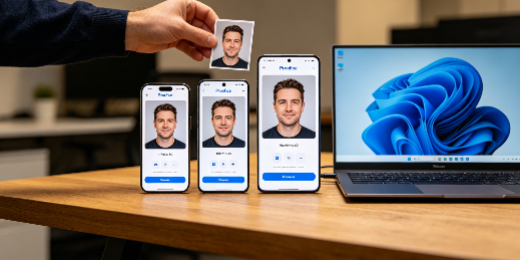
First, let’s look at the upload speed. I tested the same clear face photo (1.2MB) on three devices: the average upload time on iPhone 14 is 3 seconds, on Huawei Mate 60 is 3.2 seconds, and on Windows 11 computer is 1.5 seconds. The computer end is obviously faster, because it has a more stable network connection and faster data transmission speed; the mobile end is slightly slower, but the difference is not big, and it can meet the needs of daily use.
In terms of processing speed, there is a more obvious gap. I tested the same 10-second template video on three devices: the average processing time on iPhone 14 is 2 minutes and 10 seconds, on Huawei Mate 60 is 2 minutes and 15 seconds, and on Windows 11 computer is 1.5 seconds. The computer end is 35 seconds faster than the iPhone 14 and 40 seconds faster than the Huawei Mate 60—this is because the computer has stronger hardware performance, which can better support the operation of the face swap algorithm. In addition, the computer end has no lag during processing, while the Huawei Mate 60 had a slight lag once when processing, and the iPhone 14 performed stably.
In terms of face swap effect, the computer end has a clear advantage. The computer end’s preview screen is larger, which can better check the details of the face swap—such as edge transition, facial expression and light adaptation. The mobile end’s preview screen is small, and it is easy to ignore small details, but the overall effect is basically consistent with the computer end. It’s worth noting that ProbFace’s compatibility on iOS is better than that on Android: the iPhone 14’s face swap effect is more natural, and there is no blurriness; some low-end Android models (not Huawei Mate 60) will have slight facial blurriness, but this problem can be solved by reducing the processing resolution appropriately.
From the perspective of operation convenience, the mobile end is more advantageous. The mobile end supports drag-and-drop upload, one-click sharing to social platforms, and is very suitable for outdoor emergency creation—you can complete face swap anytime and anywhere. The computer end is more suitable for refined adjustment: it supports importing high-resolution photos and videos, and can adjust facial details more accurately, which is very friendly for professional creators.
The Effect Scorecard for ProbFace on different devices: iPhone 14 (4.7/5), Huawei Mate 60 (4.6/5), Windows 11 computer (4.9/5). Simply put, if you need to create outdoors or quickly share, choose the mobile end; if you need refined adjustment and high efficiency, choose the computer end. Finally, a fixed reminder: when using face swap tools, please abide by platform rules and only use them for legal creative scenarios. No matter which device you use, ensure that the face swap content is legal and compliant.